6 Photo Collage Maker - 2x3 Grid, Bento & Hex
Six photos, one frame, six layouts. The 2x3 grid for Instagram feed posts, the 3x2 vertical for Stories, Big+5 when one shot leads, plus bento, mosaic, and hexagonal honeycomb. Free, browser-based, exports at 4K - photos never leave your device.
Make a 6 Photo CollageSix Photos Into One Frame: Pick the Grid
Pi7 makes a 6 photo collage online in under a minute with 6 ready layouts: 2x3 horizontal grid, 3x2 vertical, Big+5 with one hero, bento mix, mosaic banner, and hexagonal honeycomb. Free, browser-based, exports at print-ready 4K. No signup, no upload, no watermark.
Six is the count where a grid still feels intimate but the story has room to breathe. A 4-photo grid leaves whitespace where you want detail; a 9-photo grid blurs individual shots into a wall. Six lands in the middle - clean enough to read at a glance, full enough to carry a small story arc. Pick the 2x3 horizontal when the rhythm reads left-to-right (a vacation, a dinner, a family gathering). Pick the 3x2 vertical when it reads top-to-bottom (a Story carousel, a printed photo strip). Pick the Big+5 when one of the six is clearly the hero shot and the rest set the context.
- 2x3 grid - the Instagram feed-post default
- 3x2 vertical - Stories and tall prints
- Big+5 - one hero plus five supporting
- Bento, Mosaic, Hexagonal honeycomb
- Crop, rotate, resize each photo independently
- Per-photo brightness, contrast, saturation
- One filter to all 6 for visual continuity
- Drag any photo to swap cells in seconds
- 1080x1080 square for Instagram feed
- 1080x1920 vertical for Stories and status
- 3240x2160 master for the 6-post grid pack slice
- Custom canvas with lock-aspect cells
Six Layouts for 6 Photo Collages
Six 6-photo layouts to start from. Each opens in the editor with the cells already positioned. Drop your photos in.
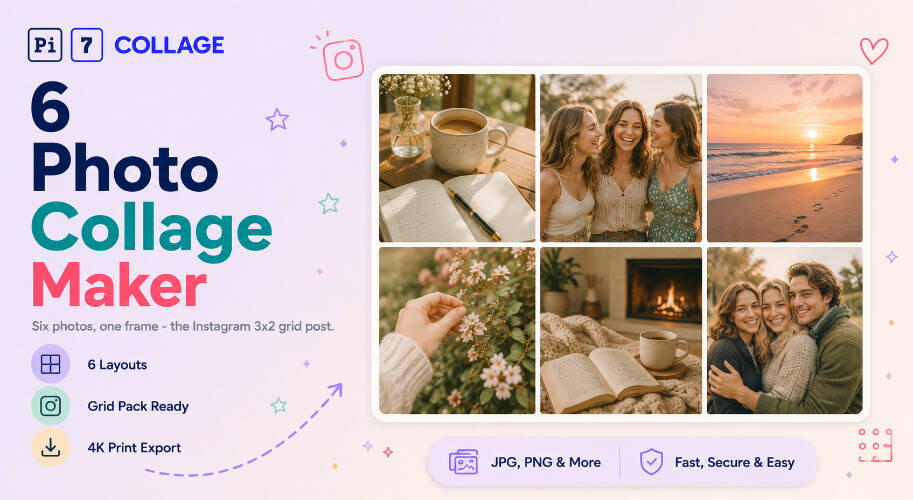
The Instagram 3x2 Grid Pack: How Six Photos Lock In Your Profile
The 3x2 grid pack is a creator trick where six sequential Instagram posts are designed to look like ONE coherent image when seen as the top two rows of your profile. The trick: design the full image as a 6-cell collage, slice it into 6 individual squares, then upload in reverse order so the slices land in the right grid positions on your profile.
Pi7's 6-photo collage tool handles both halves of this workflow. Step one: build the master image with the 2x3 grid template at 3240x2160 pixels (3 cols x 2 rows of 1080x1080 cells). Each cell is a perfect Instagram square. Step two: open the editor's slice tool, set it to 3x2 output, and export six individual 1080x1080 PNGs. Step three: upload to your Instagram drafts in REVERSE order - the bottom-right slice goes up first, the top-left slice goes up last. After the sixth upload, your profile's top two rows show the original master image as a coherent design.
Designers, photographers, and small brands use the grid-pack trick to announce launches, share moodboards, or display portfolio highlights. It works because Instagram's profile view shows posts in reverse chronological order - newest first, top-left. By uploading bottom-right first, you control which posts land where in the grid. The Pi7 tool keeps the master design private until the final post lands; nobody sees the meta-image come together until you've uploaded all six.
From Camera Roll to Posted Collage
From your phone to a posted 6-photo collage in under a minute.
Pick a 6-photo layout
2x3 grid for Instagram feed, 3x2 vertical for Stories, Big+5 when one shot leads, Bento or Hexagon for creative variety. Tap a layout to open it pre-built.
Drop in 6 photos, edit text
Tap each cell to upload from your phone or computer. Drag to reorder, rotate, crop. Apply one filter across all six for visual continuity. All text and headlines are editable.
Export and share
Save as PNG or JPEG up to 4K. Post to Instagram, send on WhatsApp, or slice into 6 squares for the grid-pack trick. No upload to our servers, no watermark, no signup.
Family Album, Trip Recap, Friend Group: Where Six Lands
Where 6 photos in one frame earn their cell.
Sized for Square, Vertical, Banner
6 photos in one frame have more output options than tighter counts. For Instagram feed, the 1080x1080 square works best with the 2x3 grid - each cell at 360x540 stays readable. For Stories and WhatsApp status, the 1080x1920 vertical pairs with the 3x2 layout (540x640 per cell). For the Instagram grid-pack trick, the 3240x2160 master export slices cleanly into 6 individual 1080x1080 squares.
Pi7's editor includes presets for all of these. Pick the share destination, the canvas auto-resizes, and the layout reflows to keep each of the 6 photos at the right scale. No manual aspect-ratio math.
Six Photos Stay on Your Device
Privacy is not an afterthought here - the whole tool is engineered around it. The photos that go into a 6-photo collage are often personal: a family weekend, a friend group dinner, a couple shot, candid kid moments. We do not think those should pass through a third party's server just so you can stitch them into a grid. So they do not.
Most online collage tools work by uploading your 6 photos to a server, processing them in the cloud, then handing back the finished image. Pi7 does the opposite. Every photo you drop in is read locally by JavaScript and rendered to a canvas inside your own browser. The pixels never travel - not to us, not to a CDN, not to a third-party processor. Your grid stays where the source files live.
No Account, No Upload, No Watermark
No signup, no email, no account creation, no waiting on an upload bar. Open the tab, build the grid, export the image, close the tab - and the session is gone. There is no copy of your 6 photos on a server somewhere being indexed, sold to model training, or sitting in an archived backup.
The practical knock-on benefits: it is fast (no upload time even for 6 high-resolution iPhone photos), it works offline once the page is loaded, there is no rate limit because there is no shared backend to throttle, and no watermark on the export because there is no premium tier to upsell into.
Questions About 6 Photo Collages
What is the best layout for a 6 photo collage?
The 2x3 grid is the cleanest 6-photo layout for Instagram and printed cards. The 3x2 vertical works better for Stories and tall prints. For one hero shot plus five supporting photos, the Big+5 layout puts the hero center-stage. For dynamic varied sizes, the Bento or Mosaic 6 layouts mix small and large cells.
Can I split my collage into 6 Instagram posts (the grid pack trick)?
Yes. Build the master image with the 2x3 grid template at 3240x2160 pixels, then use the editor's slice tool to cut it into 6 individual 1080x1080 squares. Upload to Instagram in reverse order (bottom-right first) so the 6 posts land in the right grid positions on your profile.
Are my 6 photos uploaded anywhere?
No. Every photo stays on your device. Pi7 reads files locally using JavaScript, builds the 6 photo collage in your browser, and exports the final image without any of it leaving your phone or computer.
Ready to make your 6 photo collage?
6 layouts. No signup. Nothing uploaded. Free forever.
Open the editor